You Have Successfully Bought Your Copy of the Playinator V6 Professional Edition
How To Use The Service
1. Remove any previously installed version of Playinator.
2. Download the new installation file by clicking here.
3. Install it.
4. Your ClientID will be generated and emailed to your purchase email a few hours after ordering Playinator V6 (usually in 3-9 hours).
5. Enter this license information (ClientID) in Playinator
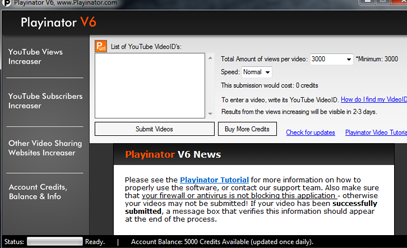
Now you can use the software and it will be fully registered and working.
*** The license is only valid for 1 PC
------------------------------------------------
Bonus:
How To Download The YouTube Income Manifest eBook
1. Right Click on This Link and Click on "Save As":
DOWNLOAD LINK
2. Save it to some location on your hard disk.
3. Unzip the content of the Zip file.
4. Begin by reading the main course ebook, and then proceeding with the four Bonuses.
------------------------------------------------
Please contact [email protected] if you are having any problems.
|