Playinator Affiliate Resources
Step 1: To start promoting and getting sales to Playinator, you can go to the following link - in case you already have a Plimus account, this link will automatically approve you as our affiliate, or if you don't have an account, with the same link you'll be able to instantly sign-up at Plimus and be activated as our affiliate.
Playinator Affiliate Sign-Up Link:
http://www.click2sell.eu/affiliate_page.do?productId=25176
* Note, while this link says that it's for Playinator 5.X Professional, the affiliate link itself will track traffic and sales for all of our products and Playinator editions.
Note: You can contact us if you need any kind of help regarding your campaign or need affiliate support. Our email address is sales [at] playinator.com.
Step 2: Here is a list of different affiliate resources that you can use in order to get higher conversion rates and easily attract traffic:
PPC Keyword List:
Affiliate Tips: We recommend that you do a soft pre-sell before sending traffic to us through your affiliate link - this kind of traffic converts the best, although depending on your website audience you can also try direct linking, which also achieves a high conversion rate.
Banners (right-click to download):
300x250


(Remember to include your own affiliate link with these banners - i.e., once a user click on them, he'll get redirect to our page with your affiliate tracking information)
486x60


120x60


120x240


125x400


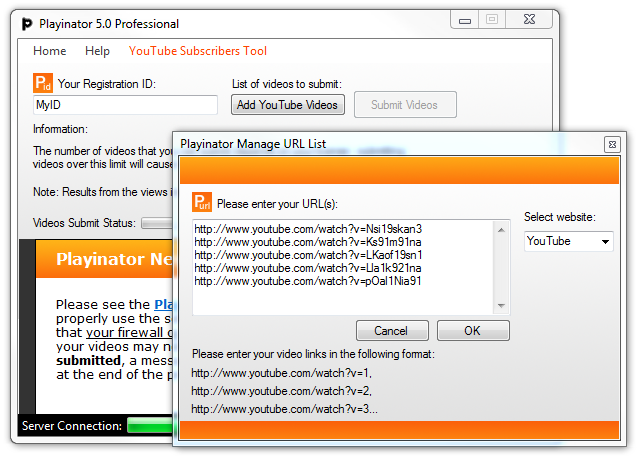
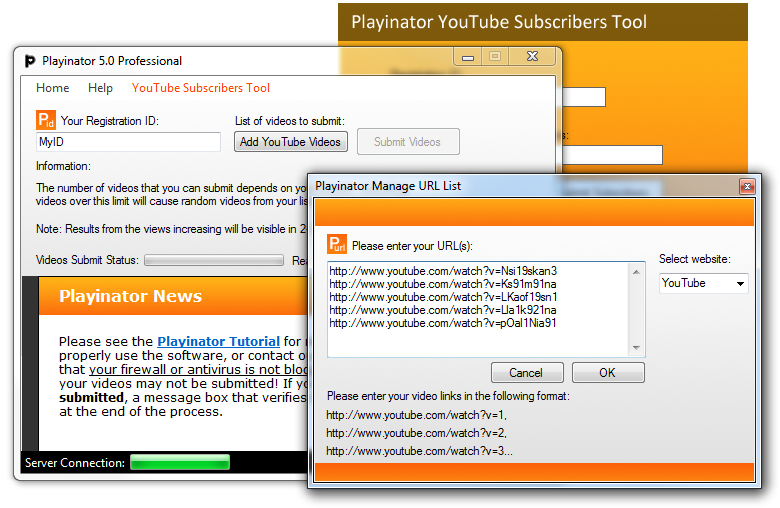
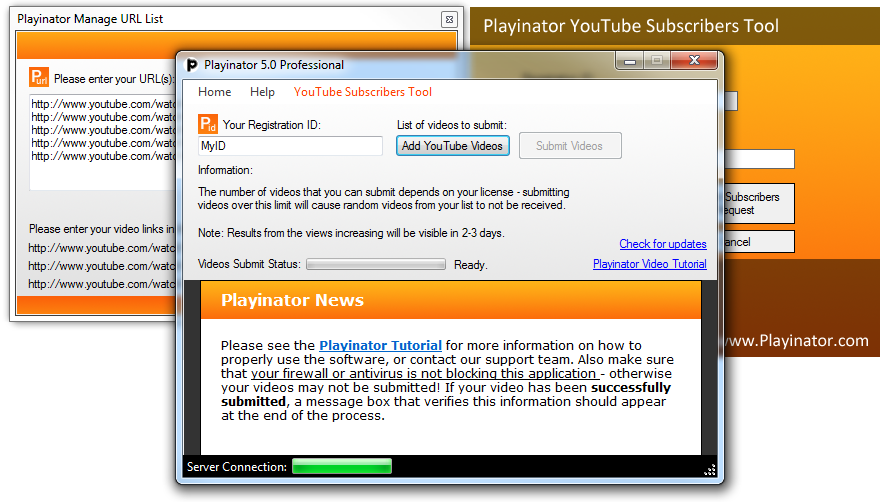
Playinator Software Screenshots (right-click to download full size images):
#1
#2
#3
Playinator Box Art:

|


